One 3D viewer for GLB, OBJ, STL and STEP
3D files come in a pile of formats, and each one seems to want a different app. Omia opens the common ones in the same window on Mac or Windows — rotate, check the size, measure — and nothing is uploaded.
Free to view · 5 free saves, conversions & pro-format opens · then $19.90 one-time · no subscription · files never leave your computer
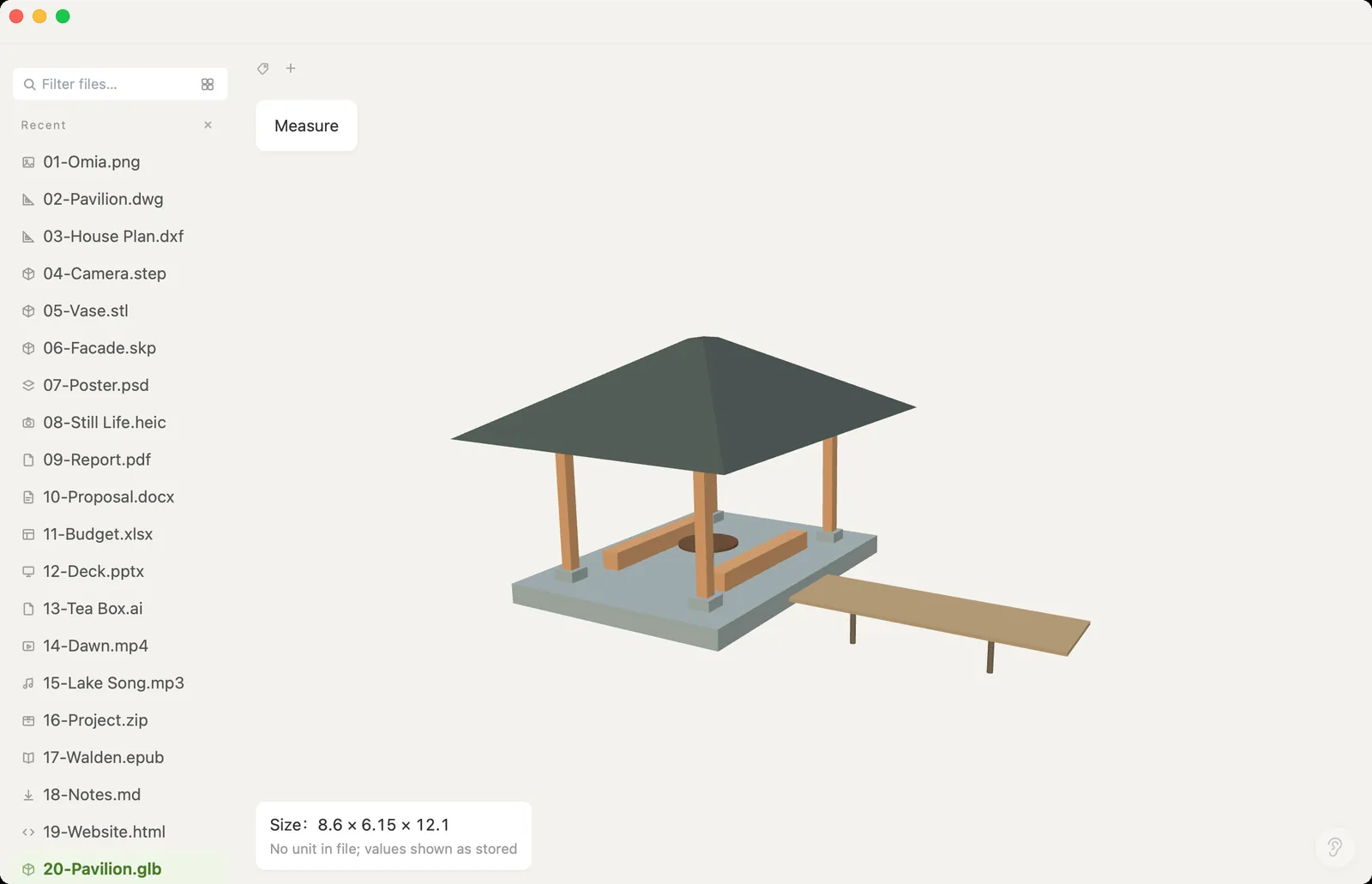
What you can do
- Open .glb, .gltf, .obj, .ply, .stl and .step/.stp
- Rotate, zoom and pan
- Overall size readout and two-point distance measuring
- Large industrial STEP files: 1 GB-class models open, with a progress bar you can cancel
- Works fully offline — no upload, no account
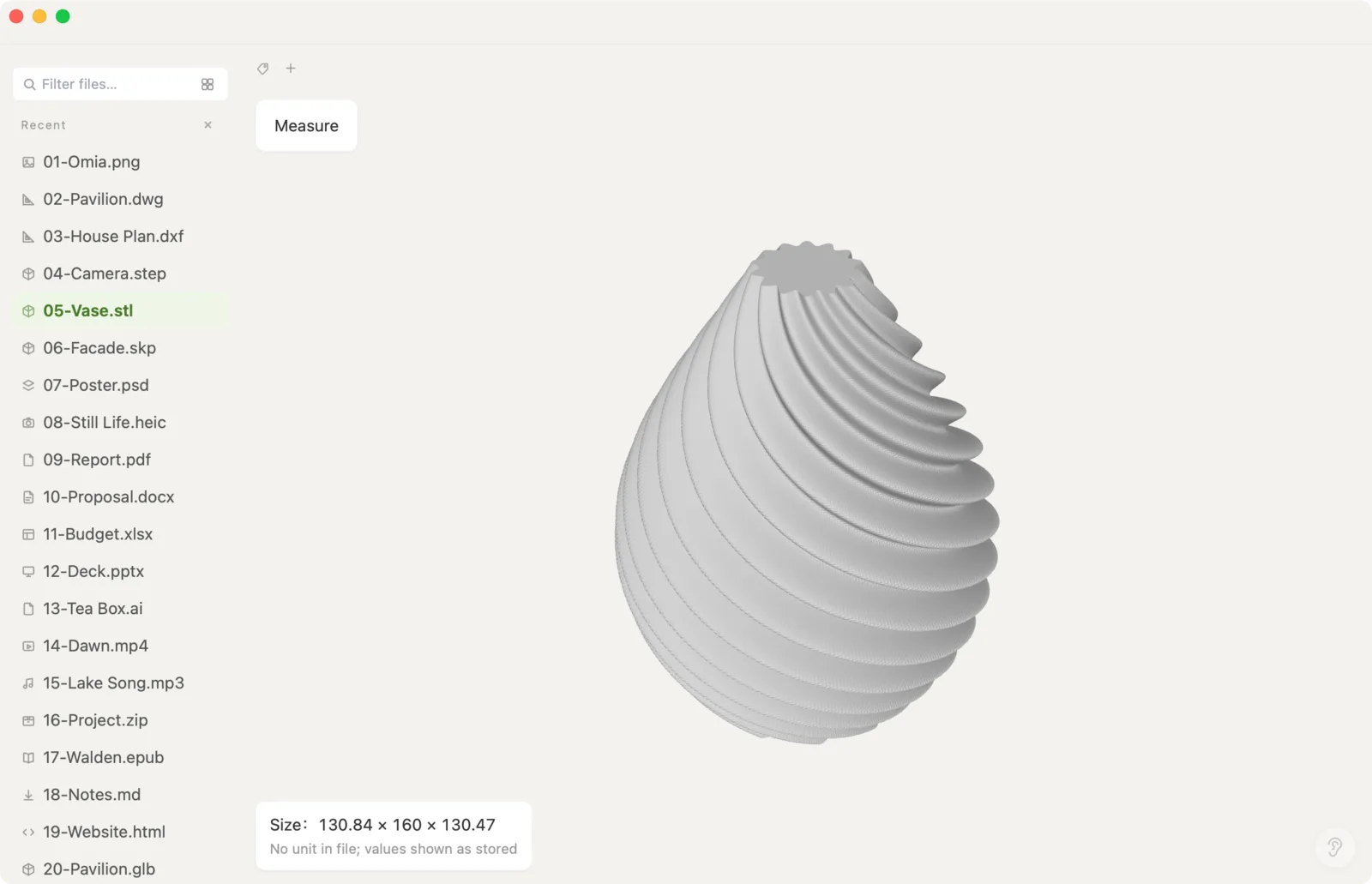
What it doesn't do
We'd rather you know before downloading.
- It's a viewer: no editing, sculpting or re-texturing
- Can't convert between 3D formats
- FBX, 3DS, USDZ and Blender (.blend) files aren't supported
- Large STEP files need about 7× their size in memory (a 1 GB STEP needs about 7 GB of RAM)
- Formats without units (like STL or OBJ) show sizes as the raw numbers in the file
How to open 3D model files
- Download Omia and install it (Mac or Windows)
- Double-click the model file, or drag it onto the Omia window
- Drag to rotate, scroll to zoom, click Measure to read distances
Why a local viewer
Most quick 3D viewers are websites: drop in your file and it's on someone else's server. That's fine for a free model off the internet, not for a client's product or an unreleased part. Omia renders it locally, so it also works offline.
FAQ
What 3D formats can Omia open?
GLB, GLTF, OBJ, PLY, STL and STEP/STP. It also opens SketchUp (.skp) models and 2D DWG/DXF drawings.
Can I measure a 3D model?
Yes. Omia shows the overall size and measures the distance between two points you click.
Can it convert GLB to OBJ or STL?
No. Omia views 3D files; it doesn't convert between 3D formats.
Is it free?
Viewing files is free forever, with no sign-up. Saving edits, converting, and opening pro formats (DWG, STEP, SketchUp, CorelDRAW) each come with 5 free uses; after that it's a one-time $19.90 licence, no subscription.
Are my files uploaded?
No. Omia opens and converts files on your own computer. Nothing is sent to a server or an AI service.
Omia also opens: STL · STEP · SketchUp · DWG · 150+ formats in one app