Open PSD files without Photoshop
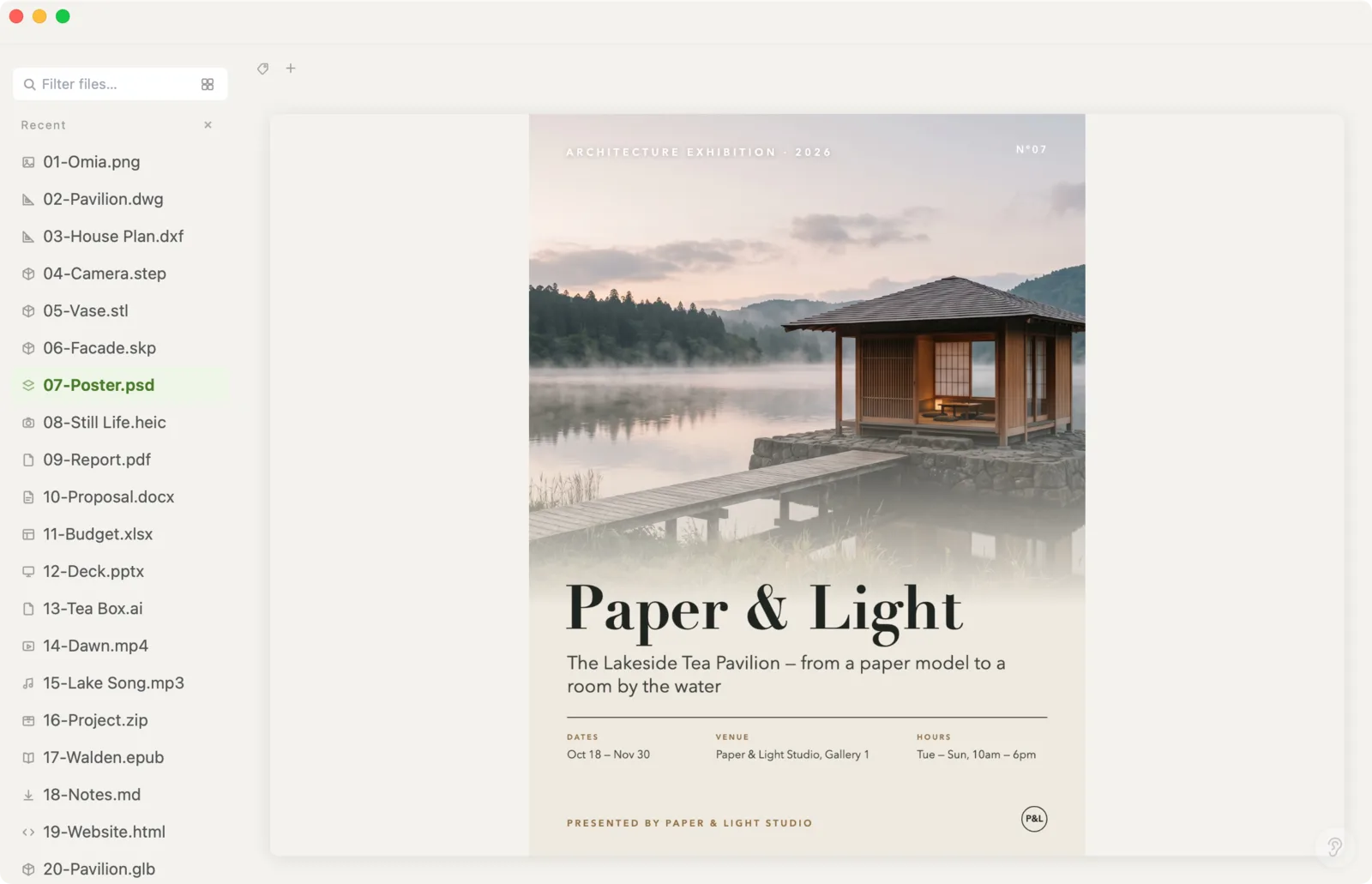
Someone sent a .psd and you just want to see what it looks like. Omia shows the composed image of a Photoshop file on Mac or Windows, without Photoshop and without uploading it anywhere.
Free to view · 5 free saves, conversions & pro-format opens · then $19.90 one-time · no subscription · files never leave your computer
What you can do
- Open .psd files and see the composed (flattened) image
- Works offline — no upload, no Adobe account
- Same app also opens PNG, JPG, HEIC, camera RAW, PDF, Office files and 150+ other formats
What it doesn't do
We'd rather you know before downloading.
- Layers can't be viewed or edited — you see the composed image only
- No editing and no export to other formats
- For real Photoshop work you still need Photoshop or a PSD editor
How to open PSD files
- Download Omia and install it (Mac or Windows)
- Double-click the .psd, or drag it onto the Omia window
- The composed image appears; zoom in to check details
Why a local viewer
Web PSD viewers ask you to upload the file. That's fine for a meme, not for a client's unreleased design. Omia opens it on your machine.
FAQ
How can I open a PSD file without Photoshop?
Install Omia and double-click the .psd. You'll see the composed image right away. Layers aren't shown separately.
Is it free?
Viewing files is free forever, with no sign-up. Saving edits, converting, and opening pro formats (DWG, STEP, SketchUp, CorelDRAW) each come with 5 free uses; after that it's a one-time $19.90 licence, no subscription.
Are my files uploaded?
No. Everything happens on your computer.
Omia also opens: Illustrator AI · Camera RAW · SVG · DWG · 150+ formats in one app