Preview camera RAW files instantly
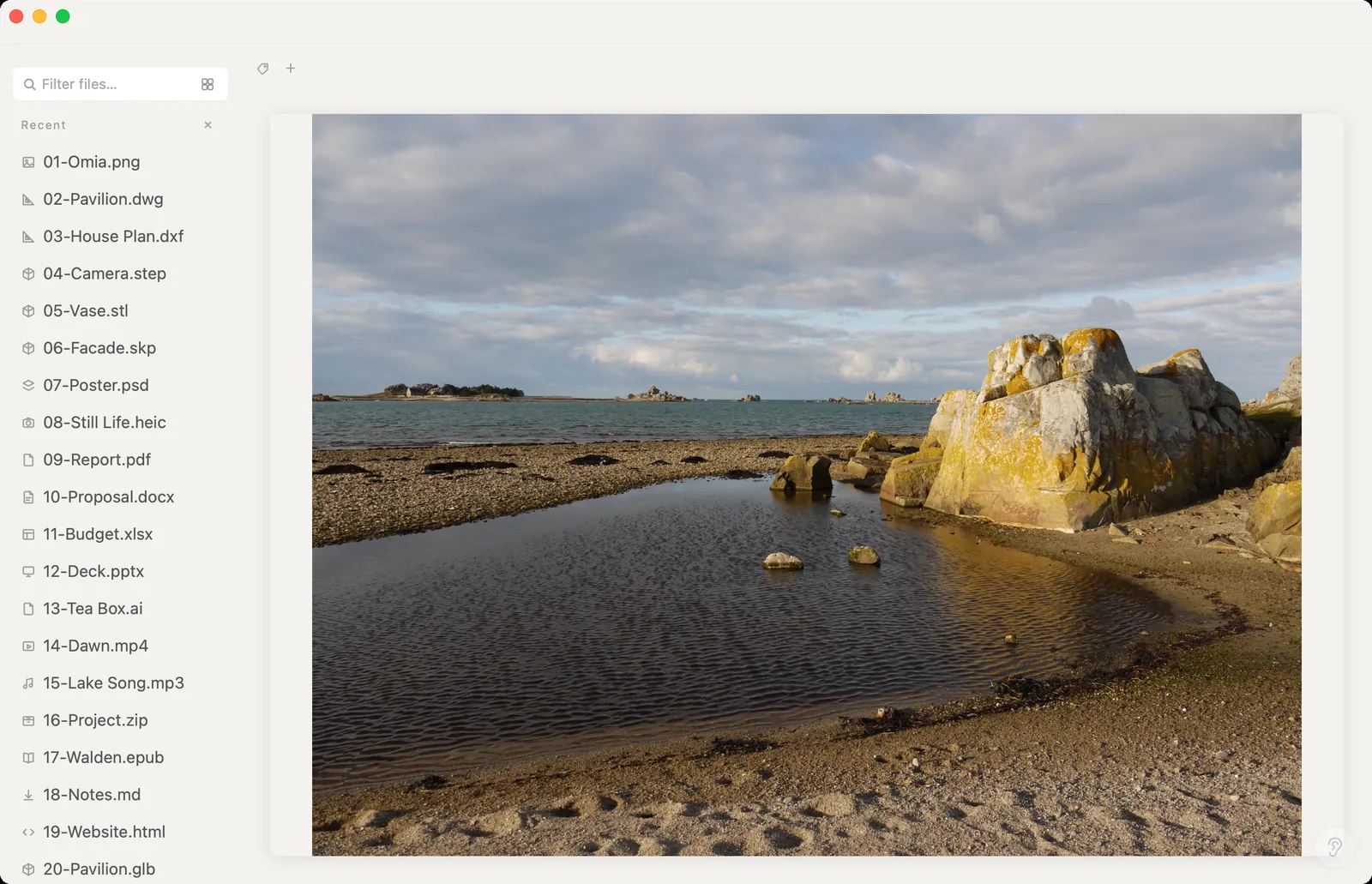
You want to see which shot is which without waiting for Lightroom to import a whole card. Omia shows the preview image your camera stores inside each RAW file, on Mac or Windows, straight from the folder.
Free to view · 5 free saves, conversions & pro-format opens · then $19.90 one-time · no subscription · files never leave your computer
What you can do
- Preview RAW from most brands: .cr2 .cr3 .nef .arw .rw2 .raf .orf .pef .dng and more
- Tested on real CR2, NEF, ARW, RW2, PEF and DNG files
- Opens instantly — no import, no catalog
- Works offline; photos are never uploaded
- Works on Mac (Apple Silicon and Intel) and Windows 10/11
What it doesn't do
We'd rather you know before downloading.
- It shows the camera's embedded JPEG preview, not a full RAW development — roughly what the camera itself would have saved
- No exposure, white balance or colour adjustments
- Can't convert RAW to JPG or other formats
- A few old cameras don't store a preview inside the file; those show a notice instead of the photo
How to open camera RAW files
- Download Omia and install it (Mac or Windows)
- Double-click a RAW file, or drag it onto the Omia window
- Open the next shot from the sidebar
Why a local viewer
For culling and quick checks, a full RAW developer is overkill and slow. Omia gives you the camera's own preview right away, without copying files into a catalog or a cloud.
FAQ
Which RAW formats does Omia support?
CR2, CR3, CRW, NEF, NRW, ARW, SRF, SR2, DNG, ORF, RW2, RAF, PEF, SRW and other common RAW formats.
Is it a RAW editor?
No. Omia shows the JPEG preview stored inside the RAW file. For developing and editing you still need Lightroom, Capture One, darktable or similar.
Is it free?
Viewing files is free forever, with no sign-up. Saving edits, converting, and opening pro formats (DWG, STEP, SketchUp, CorelDRAW) each come with 5 free uses; after that it's a one-time $19.90 licence, no subscription.
Are my files uploaded?
No. Omia opens and converts files on your own computer. Nothing is sent to a server or an AI service.
Omia also opens: PSD · Illustrator AI · SVG · 150+ formats in one app