Open, edit and convert Markdown files
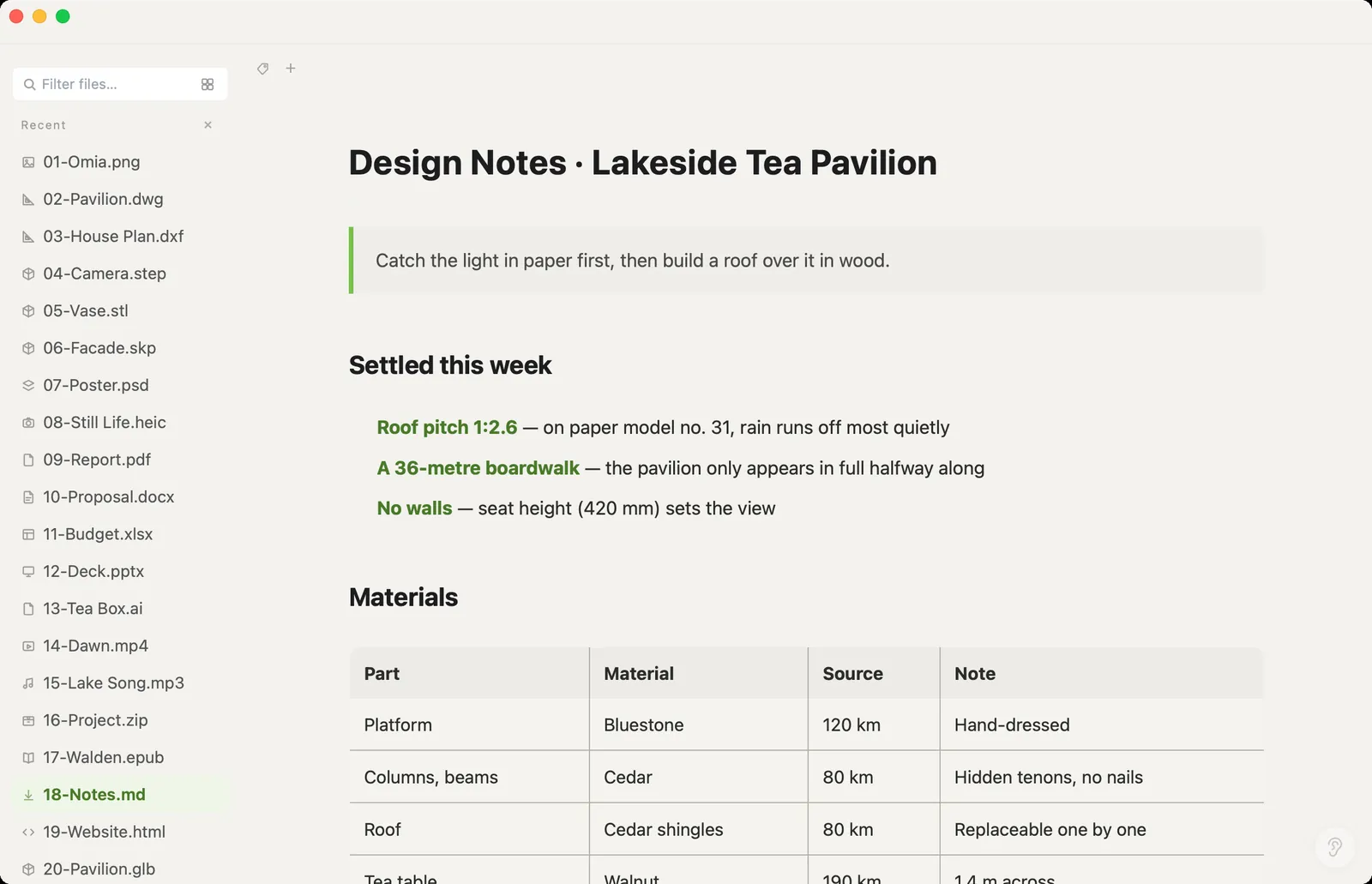
README files, notes, AI-written drafts: more and more of what we read is .md. Omia renders it cleanly on Mac or Windows, lets you edit right on the page or in the source, and turns it into Word, HTML or PDF.
Free to view · 5 free saves, conversions & pro-format opens · then $19.90 one-time · no subscription · files never leave your computer
What you can do
- Open .md and .markdown files rendered — headings, tables, quotes, code
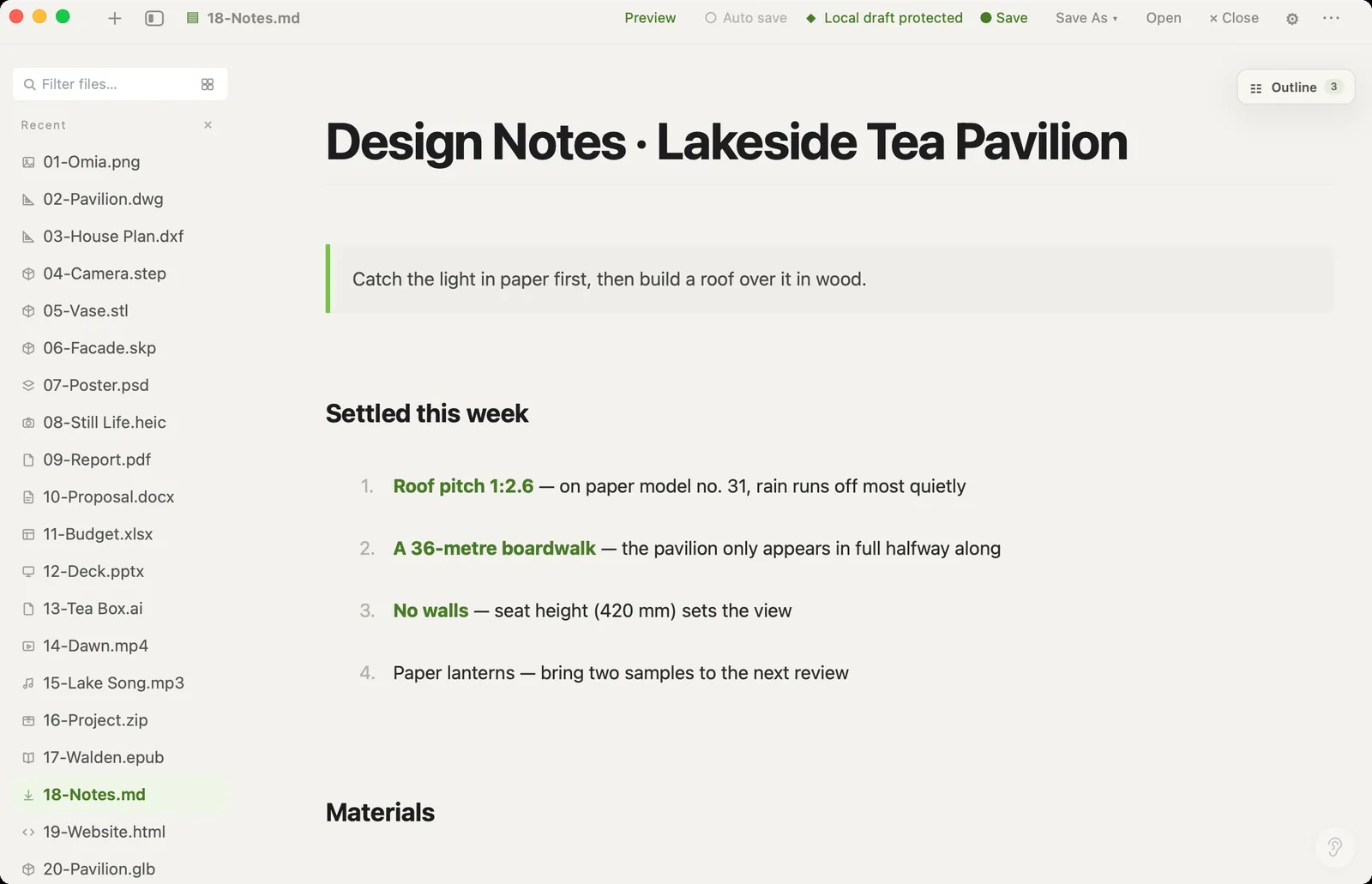
- Edit visually (what you see is what you get) or in the source, then save back
- Save As: Word (.docx), HTML, plain text or PDF
- Works offline — no account, no sync
What it doesn't do
We'd rather you know before downloading.
- It edits one file at a time: no vault, backlinks or graph like Obsidian
- No sync or collaboration
- Converting to Word or PDF keeps the content and basic styling, not a custom template
How to open Markdown files
- Download Omia and install it (Mac or Windows)
- Double-click the .md, or drag it onto the Omia window
- Click into the text to edit, then Save — or Save As Word, HTML or PDF
Why a local viewer
If you work with AI agents, they hand you Markdown all day. Omia makes .md something you can actually read, and something you can pass to people who only open Word or PDF.
FAQ
How do I open a .md file on Windows or Mac?
Install Omia and double-click the file. It shows the rendered Markdown, and you can edit it right there.
Can I convert Markdown to Word or PDF?
Yes. Save As → Word (.docx) or PDF. HTML and plain text are also available.
Is it free?
Viewing files is free forever, with no sign-up. Saving edits, converting, and opening pro formats (DWG, STEP, SketchUp, CorelDRAW) each come with 5 free uses; after that it's a one-time $19.90 licence, no subscription.
Are my files uploaded?
No. Omia opens and converts files on your own computer. Nothing is sent to a server or an AI service.
Omia also opens: PDF to text or Markdown · XMind mind maps · Word · PDF · JSON · CSV · 150+ formats in one app